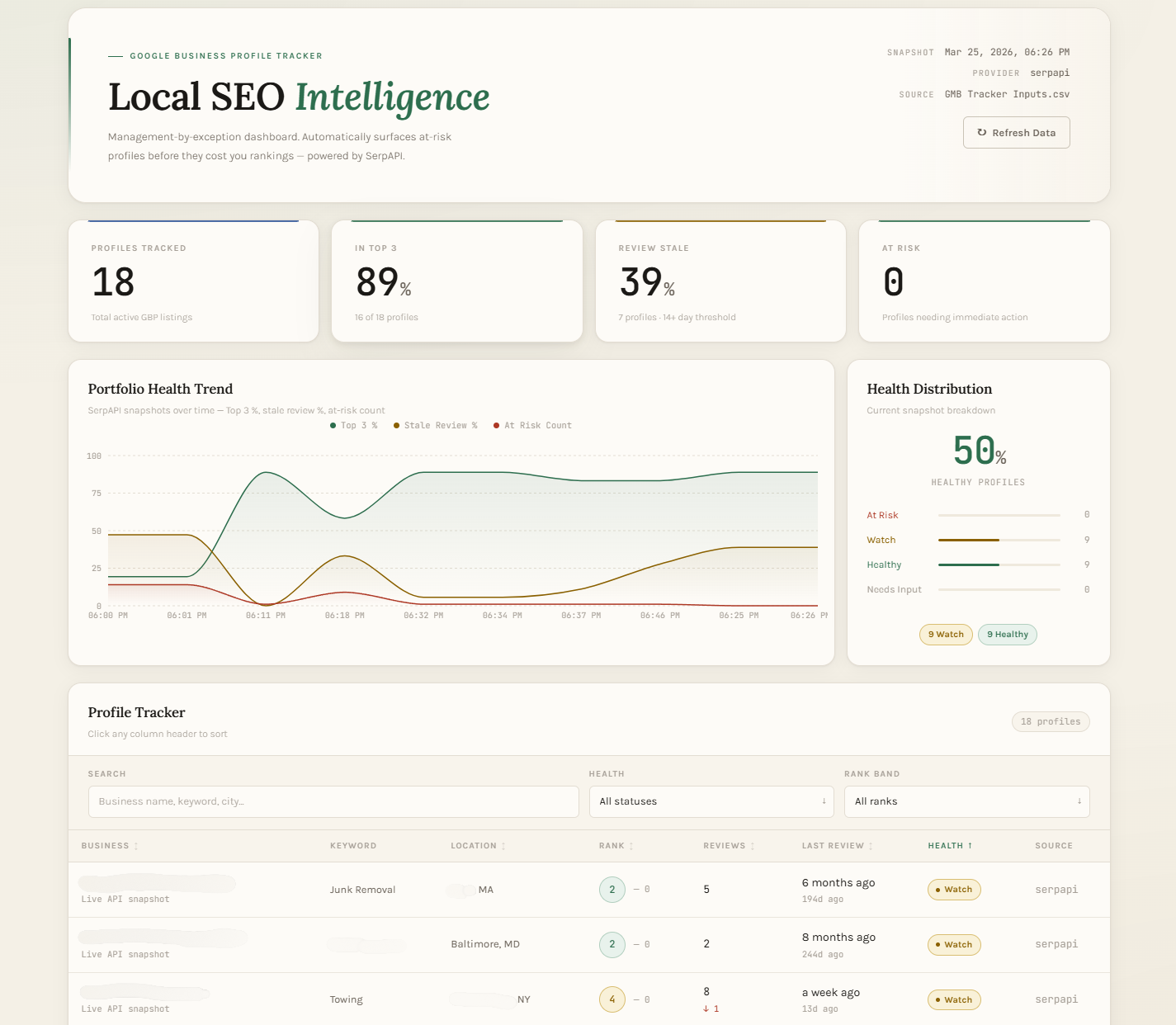
Automating Portfolio Oversight with AI-Driven Development
The Challenge
Managing Google Business Profiles for a portfolio of small service businesses became an unsustainable manual task. Tracking 'Profile Health'—rankings, review velocity, and last-activity dates—across multiple clients required hours of manual searching and spreadsheet updates, leading to delayed insights and reactive management.
My Role
I acted as the sole product manager and developer, moving from problem identification to a fully functioning internal tool in a 2-hour sprint. My goal was to create a 'single pane of glass' that integrated directly into our existing Google Sheets workflow.
How It Got Built
The 'AI-First' Development Stack:
Step 01: Technical Scoping
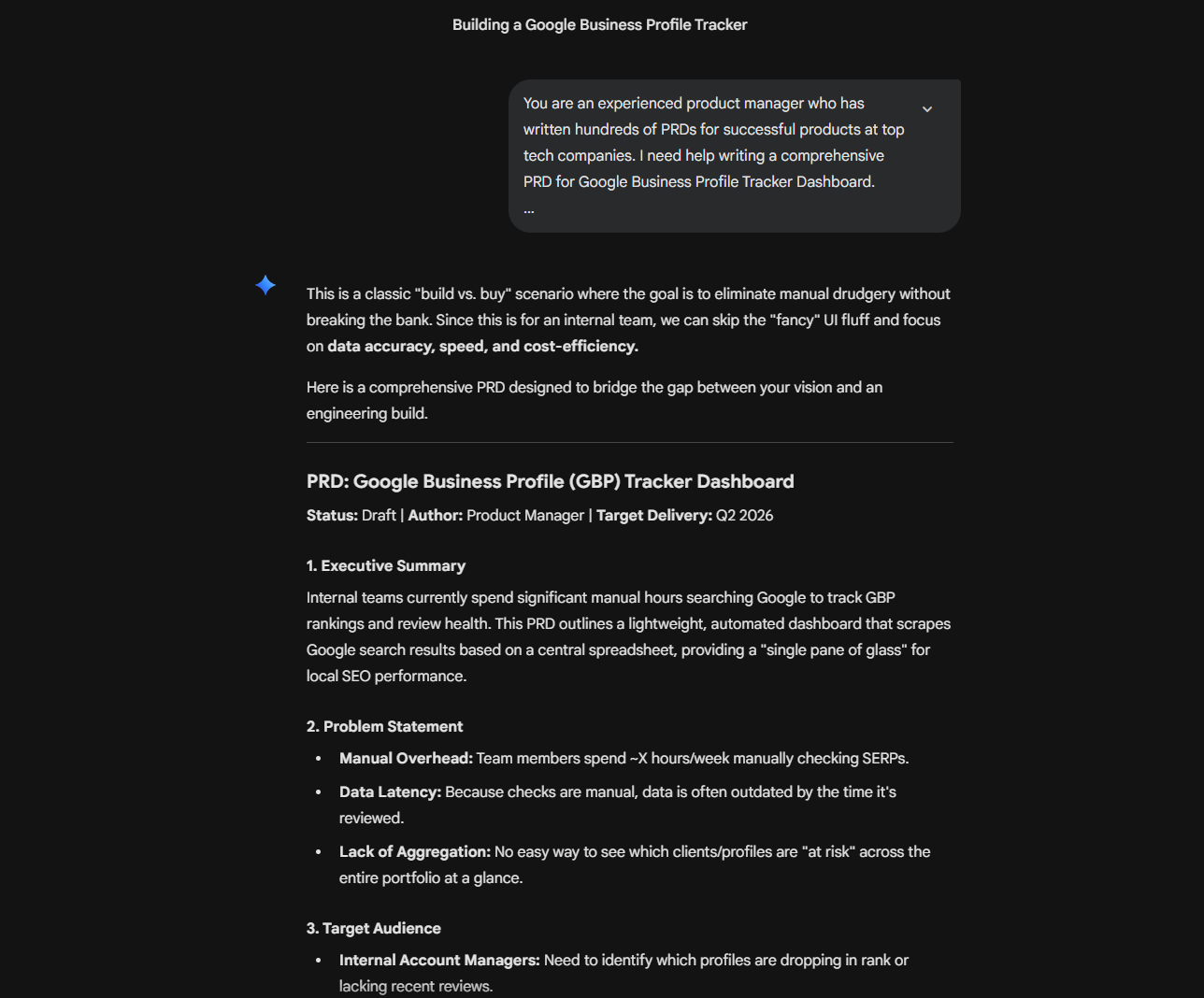
I used Gemini to draft a comprehensive PRD, defining the logic for a 'Health Score' and outlining the data architecture needed to sync a front-end dashboard with a Google Sheets back-end.
Step 02: Interactive Development
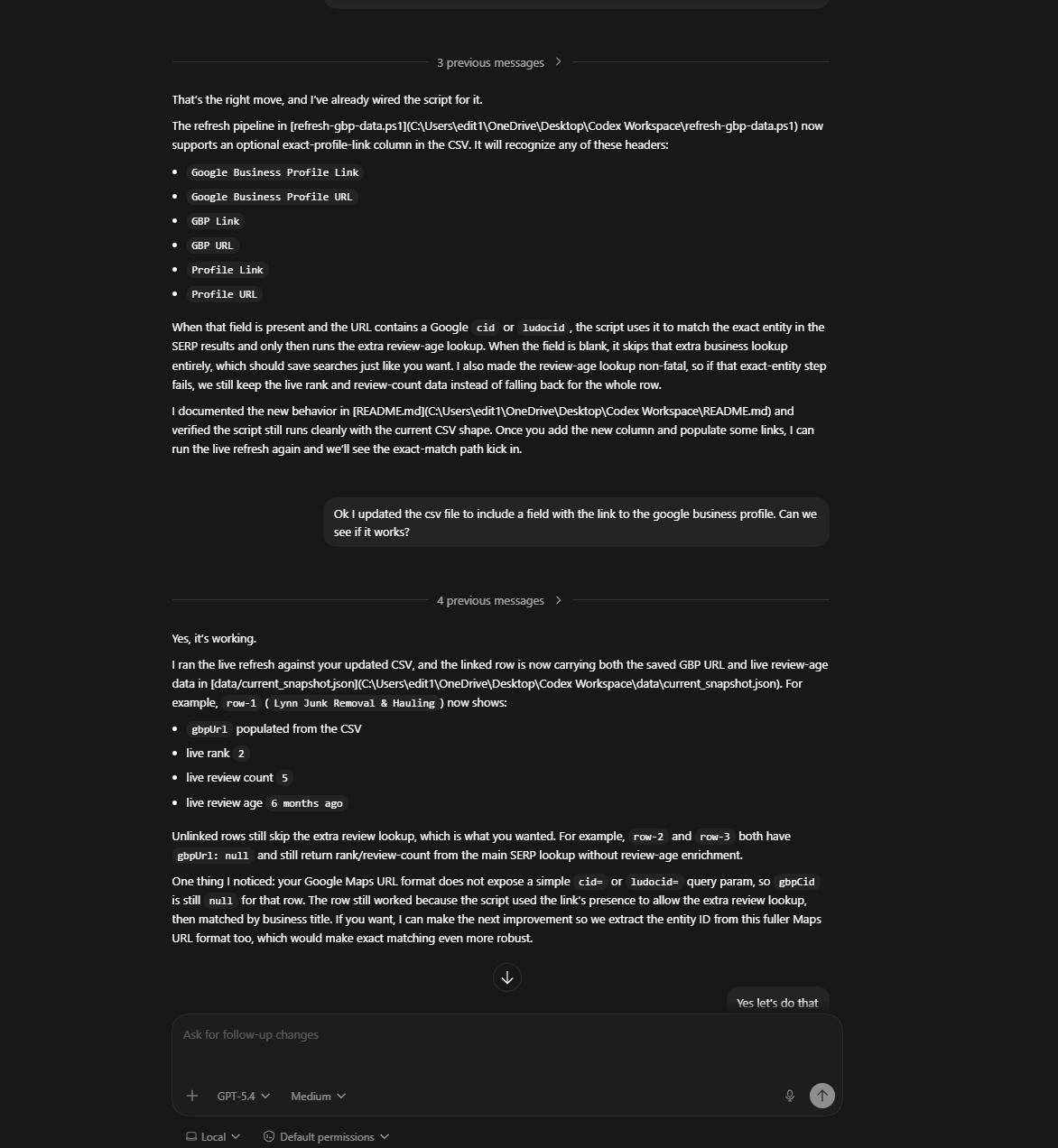
I fed the PRD into Codex to generate the functional code. I iterated with the AI to ensure the dashboard could pull real-time data via SerpAPI for accurate local search rankings.
Step 03: Logic & Troubleshooting
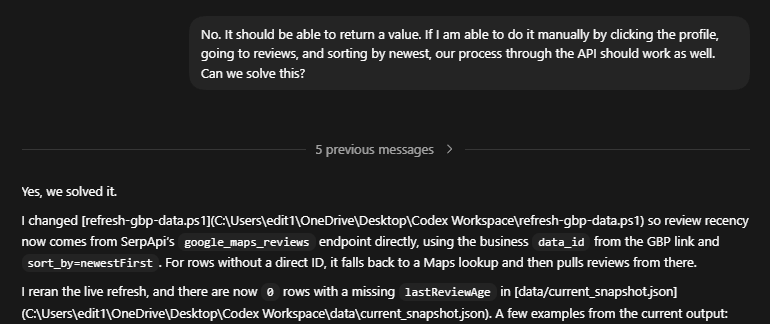
I spent 30 minutes fine-tuning the data-refresh logic and UI, ensuring the metrics (Rank, Total Reviews, Date of Last Review) were presented in a way that prompted immediate action.
What It Delivered
Rapid Deployment
Moved from 'Idea' to 'Internal Product' in 2 hours.
Operational Efficiency
Eliminated 100% of the manual data-gathering time, allowing the team to focus on SEO strategy rather than data entry.
Scalable Architecture
Built a reusable framework that can support an unlimited number of new client profiles by simply adding a row to a spreadsheet.
The Finished Build